Email Templates
Open Email > Email Templates. Filter templates by template type and Enabled or Disabled status.
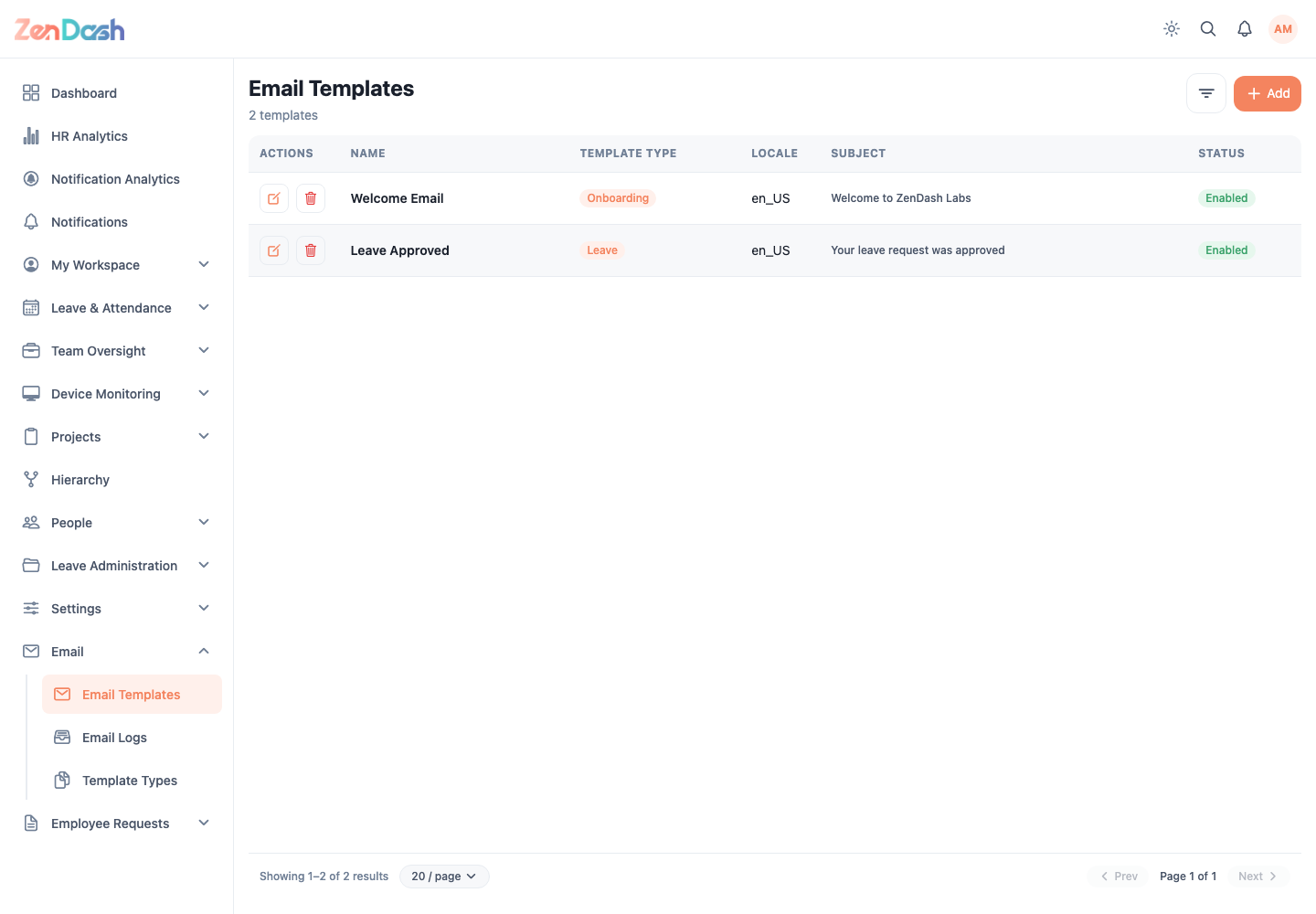
Select the create action and configure:
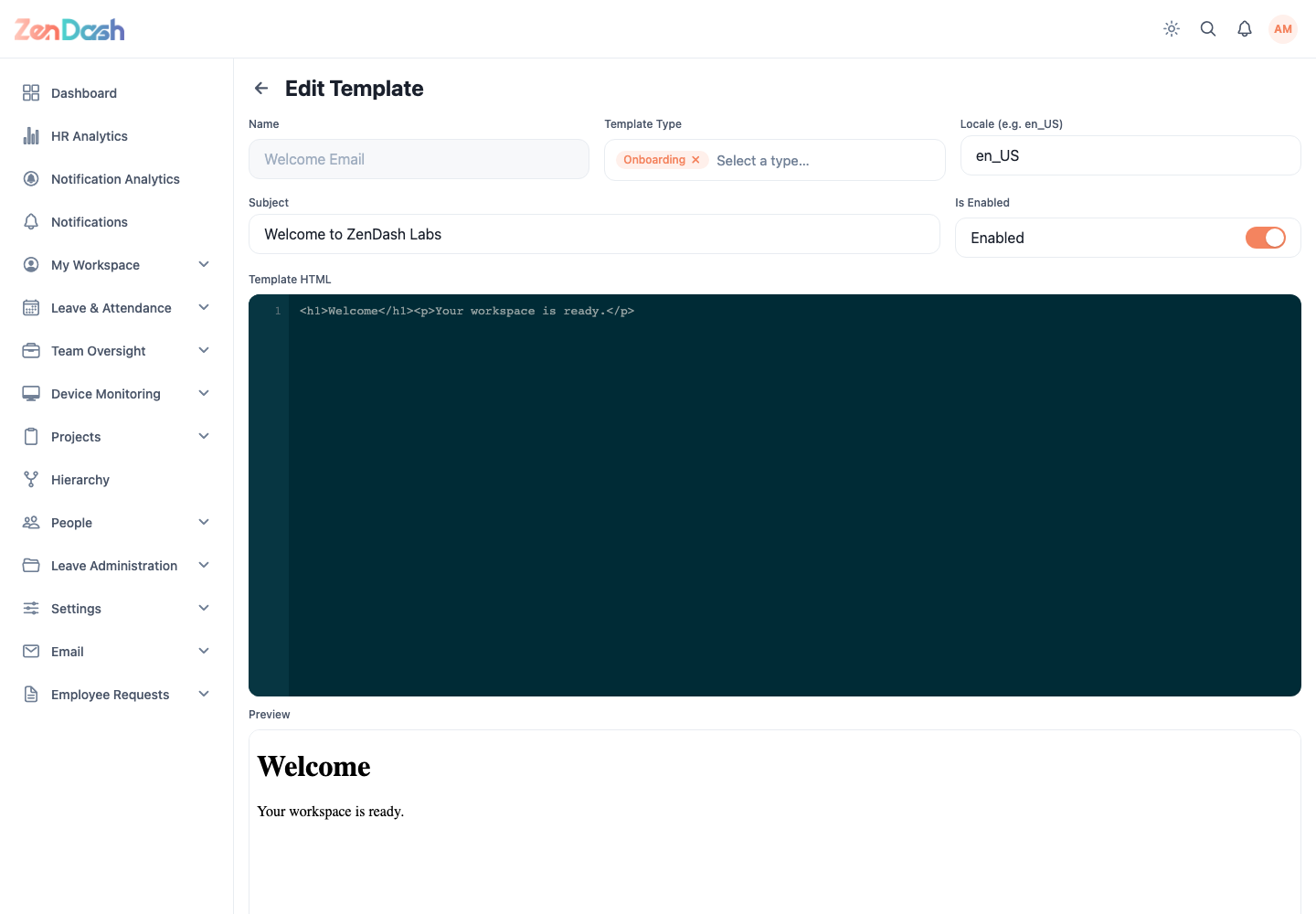
- Name, chosen from available template names;
- Template Type;
- Locale, such as en_US;
- Subject;
- Is Enabled; and
- Template HTML.
The editor renders a Preview when HTML is present. Save only after checking the subject, locale, variables, links, and preview. An existing template's Name is read-only, but the remaining fields can be edited.
Delete permanently removes a template and requires confirmation.